Islet
No credit card required — 3-day free trial
Prefer to buy now instead?Your music — and where it plays.
Skip a track and the island flashes the new title. Tap in for the full deck — album art, scrubber, transport controls. Tap the speaker and pick where sound goes, right from the same panel — no System Settings detour.
Volume and brightness, right where you look.
Every tap on the volume or brightness keys ripples across the island in real time — no full-screen HUD blocking your work.
Calendar, weather, files.
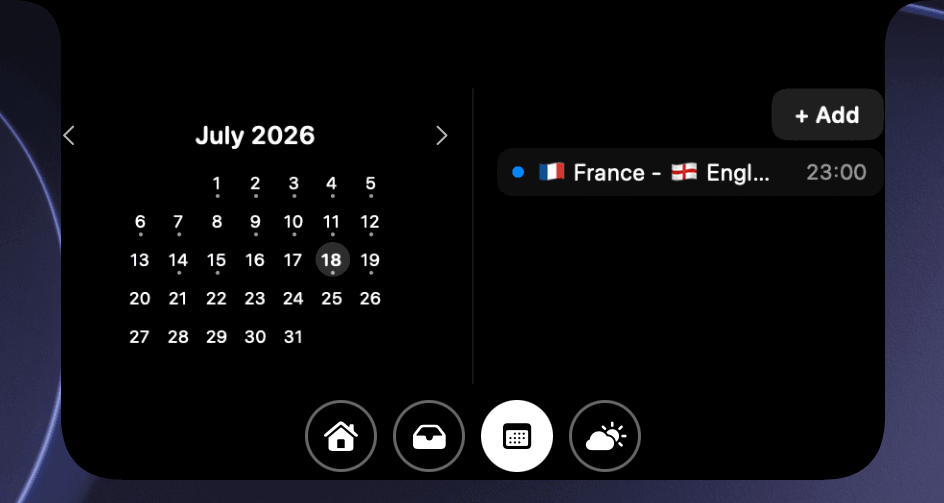
Calendar
The month and what's next, tucked into the notch.
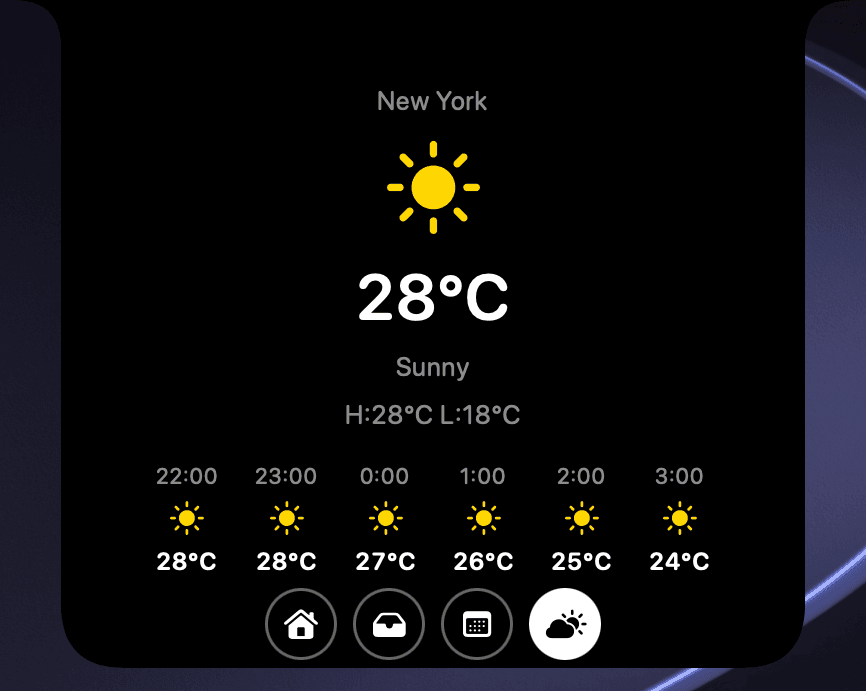
Weather
Today's forecast, one glance up — no app to open.
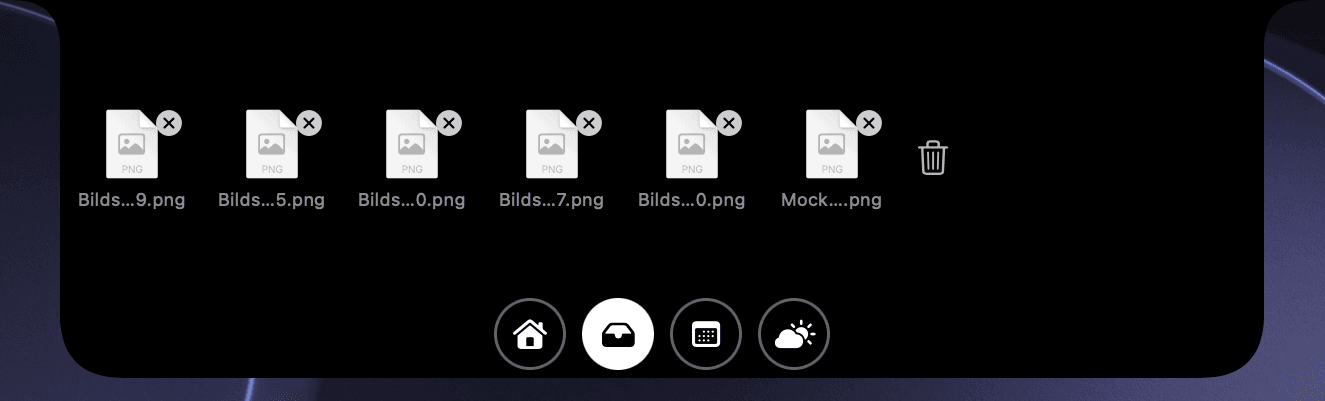
File Tray
Drop files in the island and grab them from anywhere.
One quiet menu-bar agent, 13 features live today — each one an optional toggle, so the notch only ever shows what you actually want.
System & HUDs
Media
Productivity
Every permission, explained.
Islet only asks for what a glance actually needs. Here is the full list of permissions it may request — and exactly why.
Bluetooth
Detects when a device like your AirPods connects or disconnects, so Islet can show a brief connection glance in the notch.
Location (while using)
Used once to determine your current location so Islet can display today's weather in the notch, via WeatherKit. No background tracking.
Calendar
Reads your next upcoming event so Islet can show it in the notch.
Keychain — trial status
Stores your trial start date securely, independent of the app files, so reinstalling the app can't reset the trial period.
Keychain — license
Stores your validated purchase record securely, independent of the app files, so your license survives a reinstall.
One-time purchase · Enter code LAUNCH at checkout · Until Sep 1, 2026
Native Swift + AppKit · Requires a Mac with a notch
Found a bug? Tell me.
Bug reports, feature ideas, or just a hello — message me on X @lippi304 or email support@lippi304.dev. I read everything.